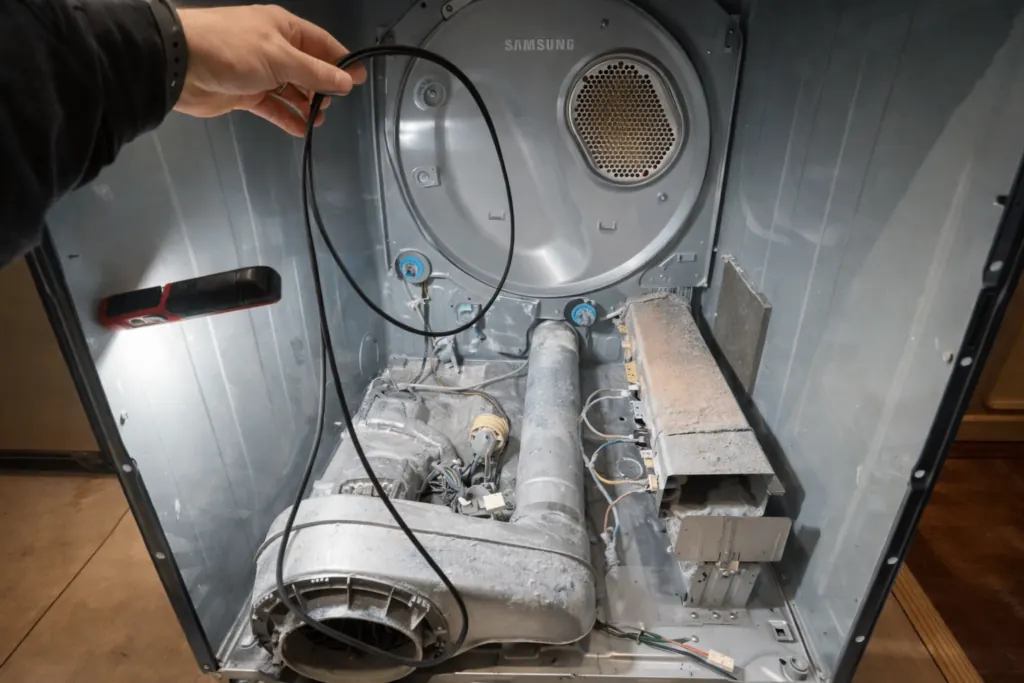
Most Samsung dryer codes trace back to airflow or power. HC/hE means overheating and tS/tC/tE means a temperature sensor problem — clean the lint screen and the whole exhaust vent first. dE/dO means the door isn't latching, 9C1/9E means abnormal voltage, bE is a stuck button and AC/AE is a communication error that often clears after 60 seconds without power. If a code returns after these steps, the dryer needs a technician.
Try this first
- Turn the dryer off for 60 seconds, then on again.
- Clean the lint screen and check the vent from the dryer to the outside hood — the most common root cause.
- Make sure the dryer is on its own circuit, not an extension cord; for gas dryers, check the gas valve is on.
Heat and airflow codes
| Code | What it means | What you can do |
|---|
| HC / hE | Overheating | Clean the lint screen and entire vent run; on electric models check both halves of the 240V breaker. |
| tS / tC / tO / tE | Temperature sensor problem | Clean the lint screen and vent; repeats mean a sensor or wiring fault. |
| Clg / CL1 / C80–C90 | Vent blockage test result — exhaust restricted | Clean the lint filter and exhaust vent. A restricted vent is a fire risk. |
Door, button and power codes
| Code | What it means | What you can do |
|---|
| dE / dC / dF / dO | Door latch or door sensor problem | Check the latch and that nothing is caught in the door. Repeats need a switch or latch. |
| bE / bE2 / 6E | A control button is stuck | Power off, then press and release each button. |
| 9C1 / 9E / 2E | Abnormal supply voltage | Dedicated circuit, no extension cord, correct power cord installation. |
| FC / FE | Invalid power frequency | Restart the cycle; repeats need diagnosis. |
| AC / AE / Et | Internal communication error | Off 60 seconds, then on. Repeats need diagnosis. |
Not a failure
| Code | What it means | What you can do |
|---|
| CL | Child lock is on | Turn off child lock (see your manual). |
| dn | Firmware download in progress | Don't power off; it restarts by itself. |
Codes and their meaning can vary by model and production year, and the same code can have different causes. Where sources disagree we say so; in every case the exact cause is confirmed only by a technician's on-site diagnosis. Your owner's manual has the definitive list for your model.
Stay safe
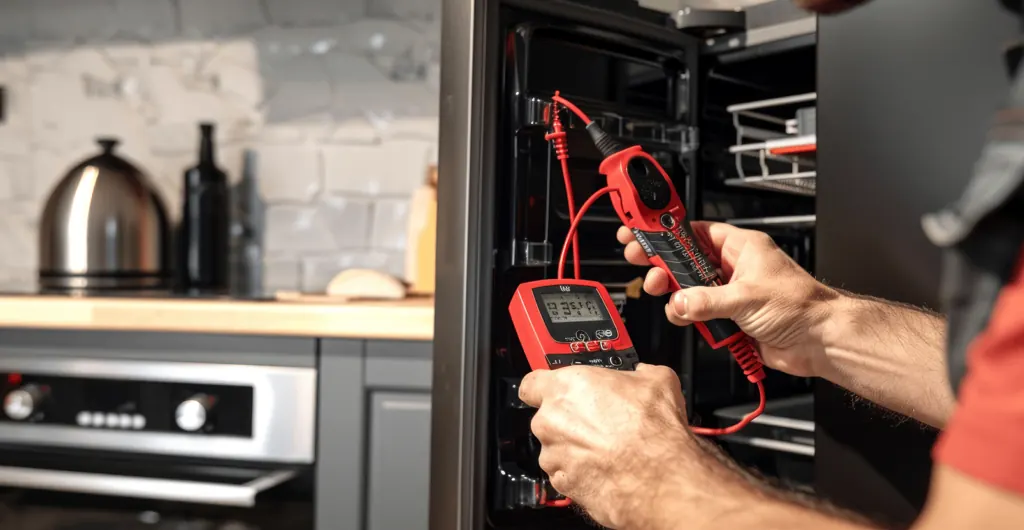
Unplug the appliance (or switch off its breaker) before touching anything inside it, and never open a sealed refrigeration system, a gas valve or a microwave. If a code points to a part, the part has to be tested before it is replaced; we do that on the $75 diagnostic visit, credited toward the repair.
Frequently asked questions
What does HC mean on a Samsung dryer?
It's overheating — almost always restricted airflow. Clean the lint screen and the full vent.
Why does my Samsung dryer say 9C1?
The supply voltage is abnormal. Check the breaker, outlet and that it isn't on an extension cord.
How do I reset a Samsung dryer?
Turn it off for 60 seconds, then on again.
Do you repair Samsung gas dryers?
Yes, gas and electric Samsung dryers across Las Vegas, Henderson and Boulder City.
Sources: Samsung US: dryer error codes.
Browse all repair guides by appliance
Still not working?
Call (702) 744-2944 or book online. The in-home diagnostic is $75 and is credited toward the repair. We serve the whole Las Vegas Valley.